
Discover How AI Is Transforming Modern Interface Design
Creating beautiful user interfaces used to take days of sketching, wireframing, and revising. Today, AI-powered design tools are changing that process, helping designers and developers move from an idea to a working prototype in just minutes.
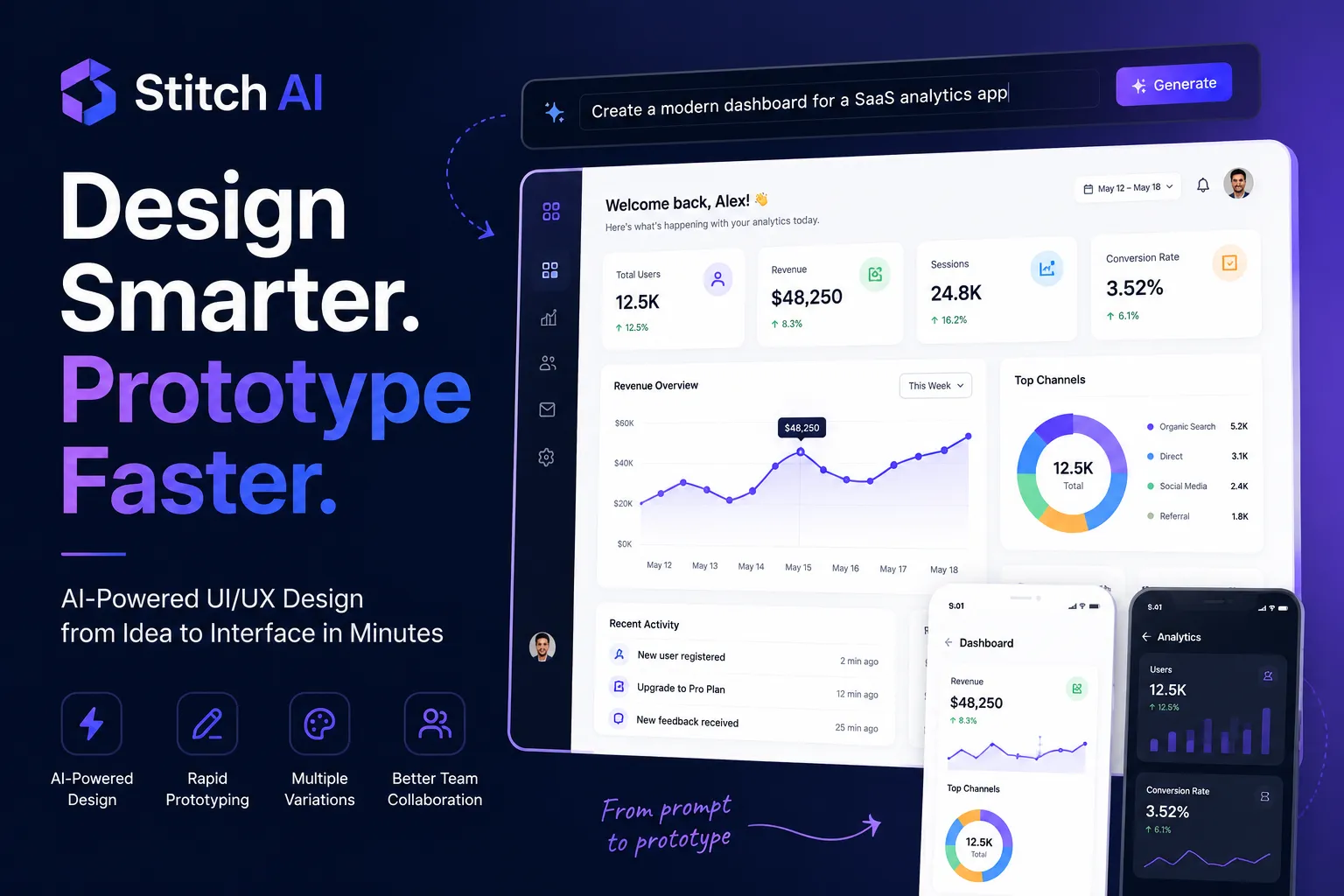
One of the most exciting solutions in this space is Stitch AI. It enables users to generate interface concepts using natural language prompts, making it easier to explore ideas, validate designs, and accelerate product development.
Whether you’re a UI/UX designer, developer, startup founder, or product manager, this tool can streamline your workflow without replacing your creativity.
What Is Stitch AI?
Stitch AI is an AI-powered interface design tool that converts text prompts into professional UI layouts. Instead of manually creating every screen, users can describe what they want, and the platform generates wireframes and polished interface concepts within seconds.
Think of it as an intelligent design assistant that speeds up the early stages of product development while leaving creative decisions in the hands of designers.
Why AI Design Tools Are Becoming Essential
Modern digital products need to be developed quickly without sacrificing quality.
AI-powered design platforms help teams:
- Build prototypes faster
- Reduce repetitive work
- Generate fresh design ideas
- Improve collaboration
- Speed up client feedback cycles
- Increase overall productivity
Rather than replacing designers, these tools remove time-consuming tasks so teams can focus on creating better user experiences.
Key Features
AI-Powered UI Generation
Describe your application in plain English, such as:
“Create a modern project management dashboard with task cards, analytics charts, notifications, and a responsive mobile view.”
Within seconds, the platform generates a complete interface concept ready for further refinement.
Rapid Wireframing
Creating low-fidelity wireframes is often one of the most repetitive parts of the design process.
AI dramatically reduces this effort by generating structured layouts automatically, allowing designers to focus on usability and interaction design.
Multiple Design Variations
Instead of generating only one interface, the tool can produce several design alternatives.
This allows teams to compare layouts, experiment with different visual styles, and select the most suitable approach for their project.
Faster Iteration
Client feedback frequently requires multiple revisions.
Instead of rebuilding screens from scratch, AI makes it easier to update layouts and test new ideas, reducing the time spent on revisions.
Improved Collaboration
Visual prototypes help product managers, developers, stakeholders, and designers communicate more effectively.
Having a shared design concept early in the project leads to faster decisions and fewer misunderstandings.
Benefits for Designers and Developers
Using AI during the design process offers several advantages.
Save Valuable Time
Generate interface concepts in minutes instead of hours.
Increase Creativity
Explore multiple layouts and discover new design ideas that may not have been considered initially.
Improve Productivity
Automate repetitive design tasks and spend more time solving user problems.
Speed Up Product Development
Move from an initial idea to a functional prototype much faster.
Support Non-Designers
Entrepreneurs and developers without professional design experience can quickly visualize product ideas before working with a design team.
Best Practices for Better Results
To generate high-quality interfaces, follow these recommendations:
- Write clear and descriptive prompts.
- Include your target audience.
- Mention important UI components.
- Specify preferred colors or branding.
- Generate multiple variations.
- Review accessibility and usability before implementation.
- Treat AI-generated layouts as a starting point rather than the final design.
The more specific your prompt is, the better the generated interface will be.
Example Prompt
Instead of writing:
Create a dashboard.
Try writing:
Design a clean SaaS analytics dashboard with KPI cards, revenue charts, dark navigation, responsive mobile layouts, user activity, and blue accent colors.
Detailed prompts generally produce more accurate and visually appealing results.
Who Can Benefit?
This AI-powered solution is suitable for:
- UI Designers
- UX Designers
- Front-End Developers
- Startup Founders
- Product Managers
- Freelancers
- Digital Agencies
- Students learning interface design
Anyone building digital products can benefit from faster prototyping and more efficient workflows.
Does Stitch AI Replace Designers?
No.
While Stitch AI automates repetitive design tasks, it does not replace human creativity, strategic thinking, or user-centered design.
Professional designers continue to play an essential role by:
- Conducting user research
- Defining product strategy
- Building brand identity
- Improving accessibility
- Solving complex UX challenges
- Making final design decisions
AI simply helps professionals work more efficiently.
Stitch AI is an AI-powered design tool that generates UI concepts and prototypes from natural language prompts.
No. It supports designers by automating repetitive tasks and accelerating ideation, but human creativity and decision-making remain essential.
Designers, developers, startups, agencies, product managers, and students can all use Stitch AI to speed up the design process.
Its biggest advantage is reducing the time needed to create initial UI concepts, allowing teams to iterate and innovate more quickly.
